Sketch To
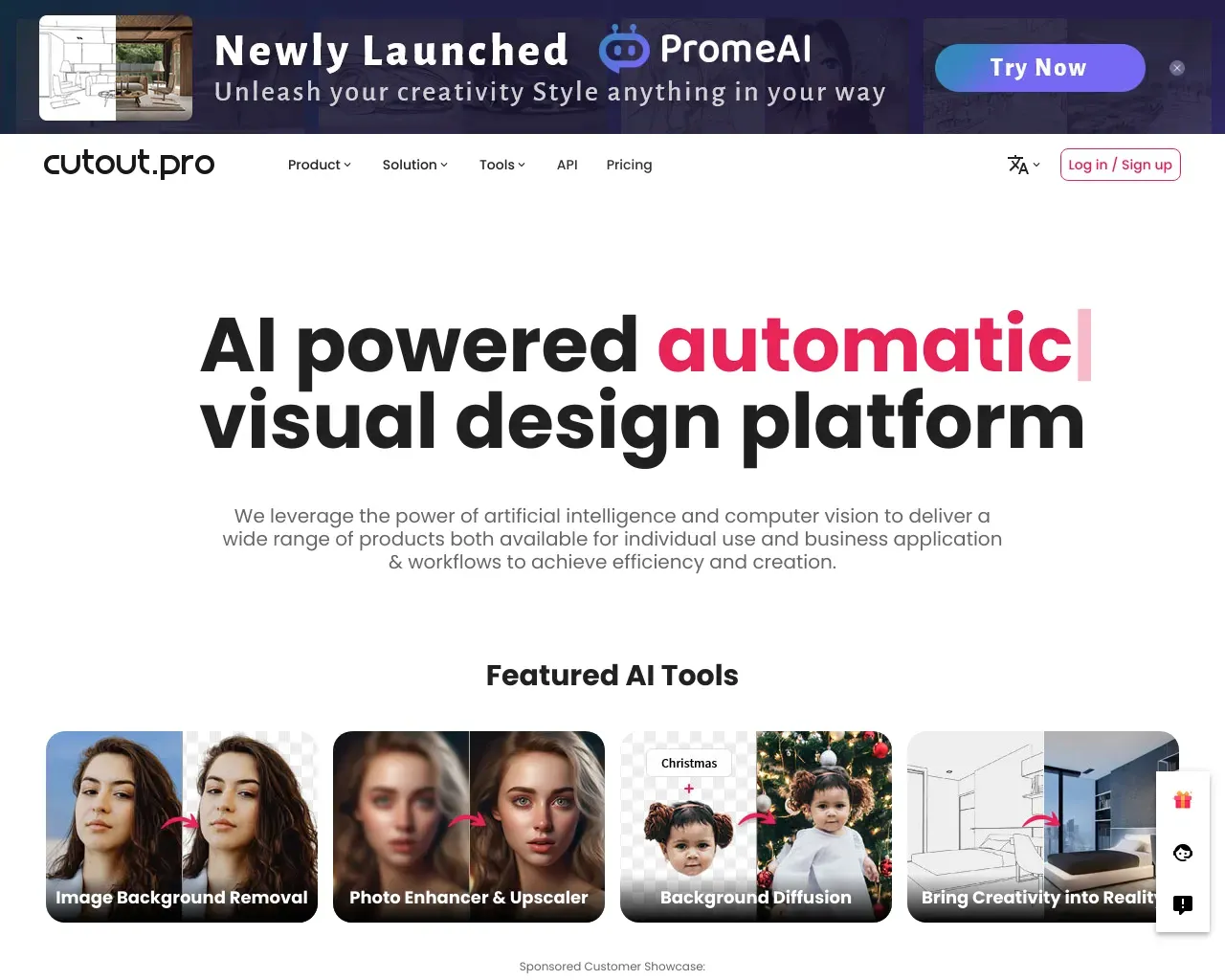
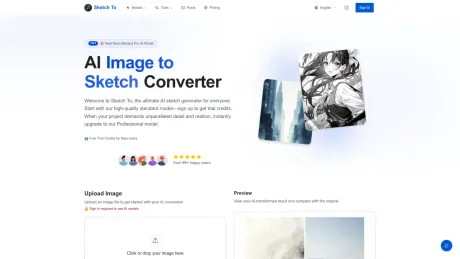
हमारे शक्तिशाली, मुफ़्त AI जनरेटर के साथ अपनी तस्वीरों को तुरंत कला में बदलें और अपने स्केच को जीवंत करें।.
- श्रेणी
- इमेज एडिटिंग
- मूल्य
- Paid
- विकल्प
- 6 समान उपकरण
- अंतिम अपडेट
- 4 सप्ताह पहले
- स्रोत
- आधिकारिक साइट ↗︎
AI Collection ऊपर उठाता है

इमेज एडिटिंग श्रेणी चयन
ProductScope AI ईकॉमर्स ब्रांड्स और मार्केटर्स के लिए दो ज़रूरी टूल प्रदान करता है: एक AI प्रॉडक्ट फ़ोटोशूट टूल और एक लिस्टिंग ऑप्टिमाइज़र।
Sketch To के बारे में
मुख्य विशेषताऐं: 1। ड्युअल एआई पावर: किसी भी तस्वीर को विस्तृत स्केच में ट्रांसफ़ॉर्म करें, या प्रक्रिया को उलट दें और अपने ड्रॉइंग को फ़ोटोरिअलिस्टिक छवियों में बदलें। 2। पेशेवर मॉडल अपग्रेड: अनोखी यथार्थवाद और जानकारी के लिए एक विश्वस्तरीय AI अनलॉक करें, जो कलाकारों, डिज़ाइनर और कमर्शियल कामों के लिए आदर्श है।
Sketch To's मूल्य निर्धारण योजनाएँ
Sketch To किसी भी समय कीमतें बदल सकती हैं। यहां हमारी नवीनतम जानकारी है:
बेसिक
प्रो
500 क्रेडिट (≈ 250 छवियाँ/माह)
$19.99
/म ामासिक
- कमर्शियल लाइसेंस भी शामिल है
- बड़े पैमाने पर काम करने के लिए प्राथमिकता से सहायता
- छवि का इतिहास सहेजा गया
- हाई-रेज डाउनलोड
- प्राथमिकता वाली ईमेल सहायता
- पेशेवरों और बिज़नेस के लिए उपयुक्त।
- हर इमेज के लिए 60% सस्ता · सिर्फ़ $10 ज़्यादा में 6x ज़्यादा इमेज पाओ
बेसिक
80 क्रेडिट (≈ 40 छवियाँ/माह)
$9.99
/म ामासिक
- अपनी रचनाओं के मालिक बनें
- स्टैण्डर्ड जनरेशन तक ऐक्सेस
- छवि का इतिहास सहेजा गया
- स्टैण्डर्ड क्वालिटी डाउनलोड
- कैज़ुअल यूज़र और छोटे प्रोजेक्ट के लिए बिल्कुल सही।
आपको क्या मिलता है
अतिरिक्त जानकारी
Sketch To is a powerful AI tool designed to help users transform images into sketches and sketches into images. With over 100 AI image tools, it caters to varied creative needs, whether for personal projects or commercial use. Users can start with trial credits, allowing them to explore features without a commitment.
The platform operates using a credit system, where the standard model costs 1 credit per conversion, and new users receive trial credits to kickstart their creations. The AI technology distinguishes between standard and professional models to provide tailored experiences for hobbyists and professionals alike. Users can choose from a range of artistic styles for image processing, ensuring that they receive high-quality results suitable for social media, art projects, and more.
Sketch To boasts a simple three-step process for image conversion: upload the file, select the desired style, and generate the output. The service is optimized for speed, offering instant processing through a robust cloud infrastructure, ensuring rapid results. Professional users benefit from a superior model that provides enhanced detail and realism for their artistic needs.
The platform not only supports various image formats but also allows users to download their creations in high resolution, making it ideal for printing and professional submissions. With a user base of over 500,000, Sketch To is trusted for its quality and performance, attracting a diverse range of creatives from students to seasoned professionals.
अक्सर पूछे जाने वाले प्रश्न
What is Sketch To used for?
हमारे शक्तिशाली, मुफ़्त AI जनरेटर के साथ अपनी तस्वीरों को तुरंत कला में बदलें और अपने स्केच को जीवंत करें।.Is Sketch To free?
Sketch To is a paid product. See the Pricing section for current plans.What are alternatives to Sketch To?
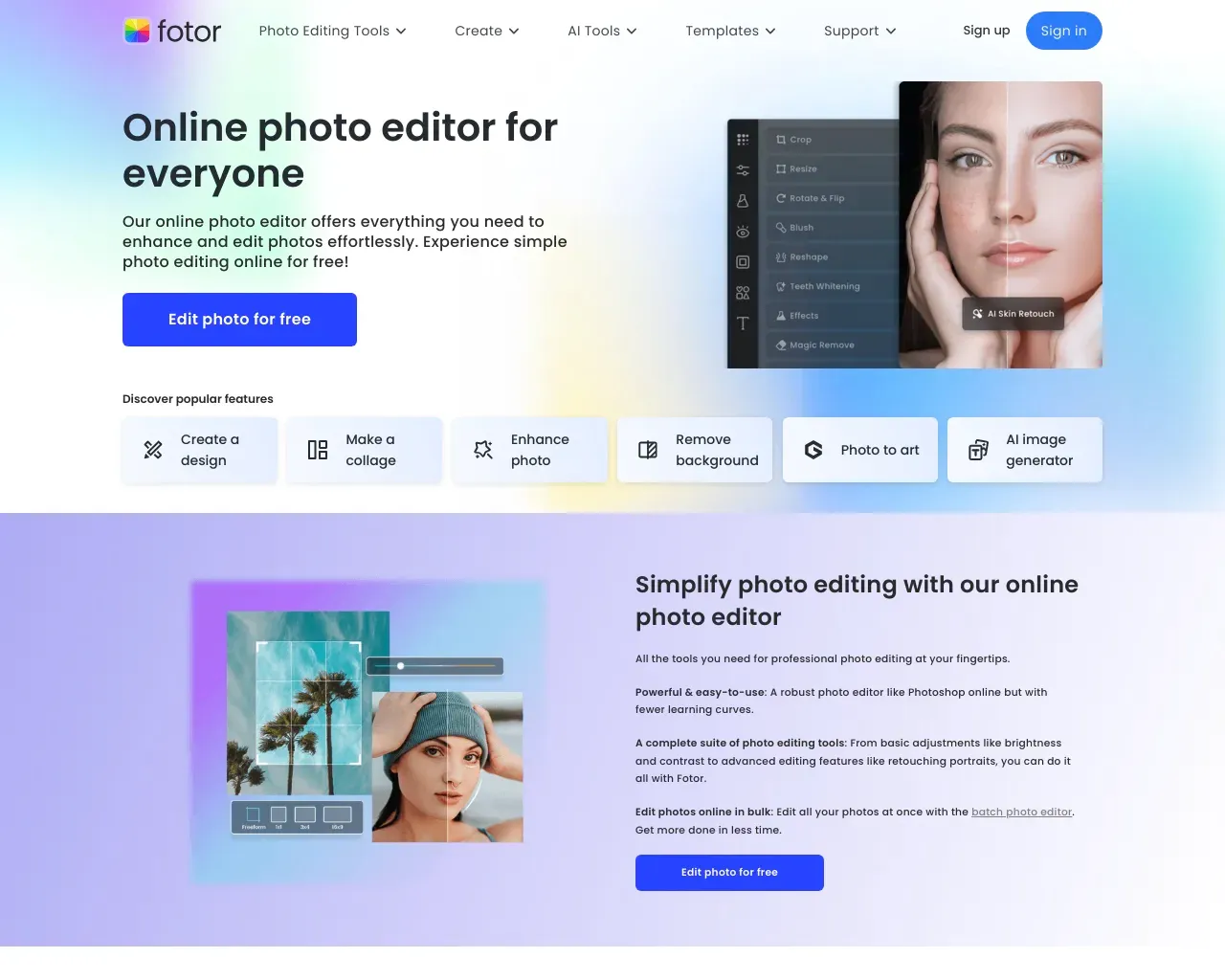
Top alternatives to Sketch To include ProductScope AI, PicTools.AI, AI Photos Editor, AVCLabs PhotoPro AI, Fotor.Where can I get Sketch To?
Sketch To is available at https://www.sketchto.com/.What category is Sketch To in?
Sketch To is listed in इमेज एडिटिंग.What's the difference between the Standard and Professional models?
Our Standard model is perfect for general use, offering high-quality conversions for hobbies and drafts. The Professional model uses a more advanced AI, providing superior detail, texture, and realism, ideal for commercial projects.How much does Sketch To cost?
Our Standard model uses 1 credit per conversion, and new users receive trial credits to get started. For the Professional model, we use a flexible credit system with credits purchasable as needed.What are the best practices for how to convert photo to sketch?
Using a clear, well-lit, high-resolution photo produces the best results. Strong contrast and clear subjects generate the most detailed sketches.What file formats are supported?
Sketch To supports all major image formats including JPG, PNG, WEBP, and more, allowing uploads up to 10MB in size.Can I use Sketch To for commercial purposes?
Yes! Our Professional model is specifically designed for commercial use with advanced AI technology that delivers industry-leading results.How long does it take to process an image?
Most conversions are completed within seconds, but the exact time may vary depending on image size and complexity.
Sketch To की तुलना करें…
किसी भी टूल को चुनें और संरचित तुलना देखें: मूल्य, परिनियोजन, क्षमताएँ और कंटेंट नीति।