AI graph maker
Crea gráficos y tablas con AI Graph Maker en cuestión de minutos.
- Categoría
- Generación de contenido y SEO
- Alternativas
- 6 herramientas similares
- Actualizado
- hace 3 semanas
- Fuente
- Sitio oficial ↗︎
AI Collection Mejores opciones

TheFluxTrain
Estudio de producción de IA de Agentic para personajes, flujos de trabajo y vídeos coherentes
Generación de contenido y SEO Selecciones de categoría


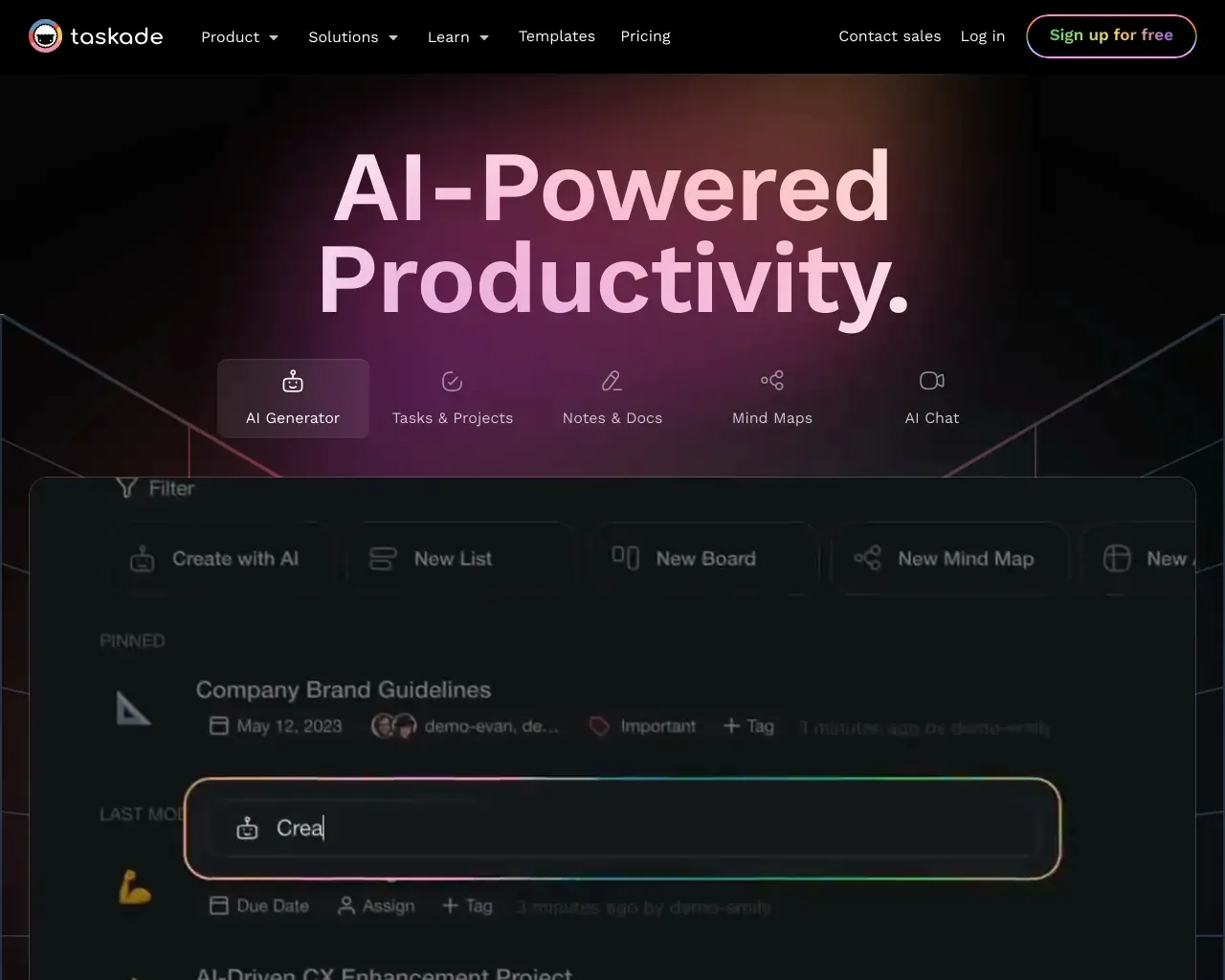
Un segundo cerebro para usted y sus equipos. Cinco herramientas impulsadas por IA en una para potenciar la productividad de su equipo. Con Taskade, todo su trabajo está sincronizado en un espacio de trabajo unificado.

Acerca de AI graph maker
Crea tablas, gráficos y diagramas de sirenas en cuestión de minutos con AI Graph Maker. Transforma tus datos en impresionantes visualizaciones sin esfuerzo con un generador impulsado por IA.
Lo que obtienes
información adicional
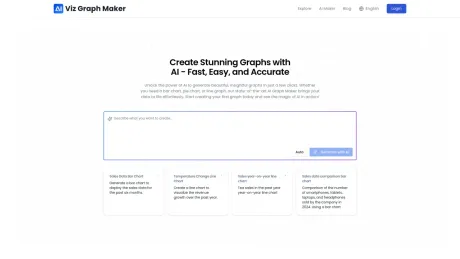
AI Graph Maker is an innovative tool that empowers users to create stunning visualizations from data in mere moments. Whether you need a simple line chart or an intricate flowchart, this platform harnesses AI to convert your inputs into well-crafted graphs effortlessly. The interface is designed for both novices and experienced users, ensuring a smooth experience regardless of technical skill levels.
The tool supports a diverse array of chart types, including bar charts, pie charts, timelines, and more, allowing for flexibility in data presentation. Users can input or upload their data seamlessly, and with just a few clicks, AI Graph Maker will analyze and generate a graph that best represents the underlying information.
Customization is also a key feature of AI Graph Maker. Once a graph is generated, users have the ability to modify colors, labels, and other visual aspects according to their preferences. Export options are equally robust, with support for multiple formats such as PNG, SVG, and Mermaid, making it easy to utilize graphs in different contexts.
Ideal for content creators, marketers, and anyone in need of visual data representation, AI Graph Maker's affordability and functionality make it an essential tool. With both free and paid plans available, users can choose the option that best suits their needs while taking advantage of the intuitive design that this tool offers.
Preguntas frecuentes
What is AI graph maker used for?
Crea gráficos y tablas con AI Graph Maker en cuestión de minutos.Is AI graph maker free?
Pricing for AI graph maker varies — see the Pricing section for details.What are alternatives to AI graph maker?
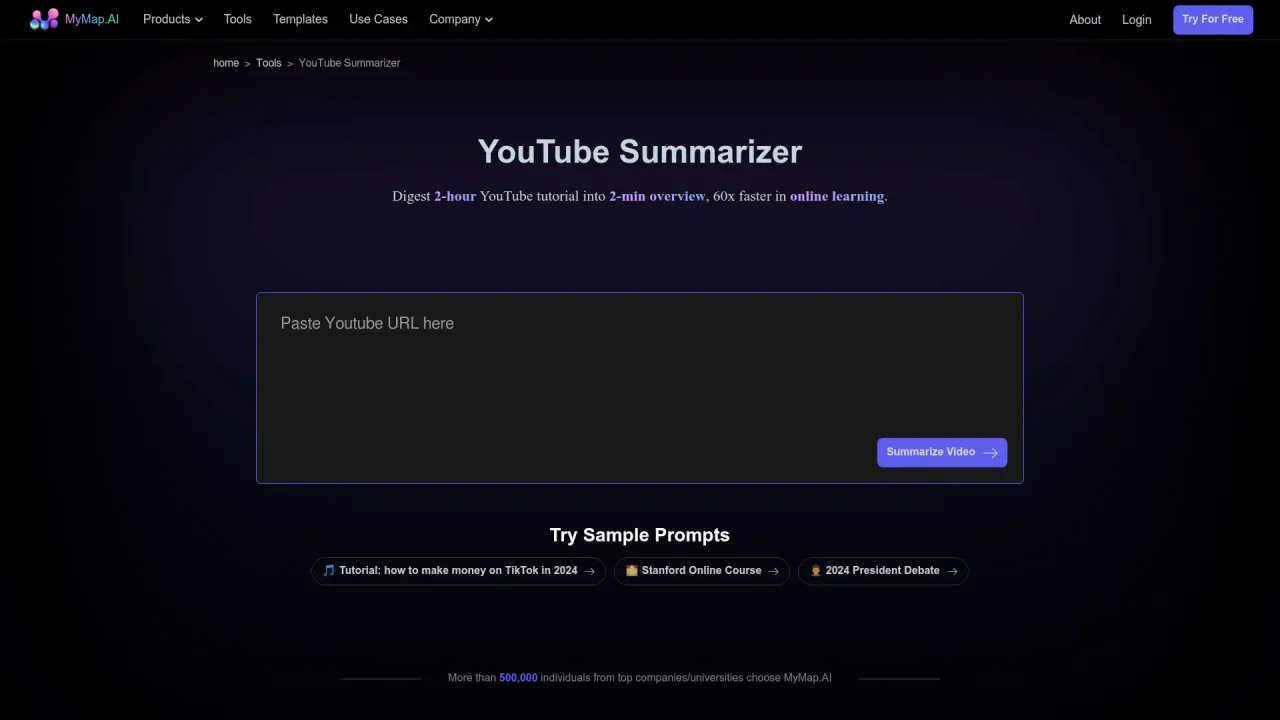
Top alternatives to AI graph maker include XXAI, Content Raptor, Taskade, BurstyAI, MyMap.AI YouTube Summarizer.Where can I get AI graph maker?
AI graph maker is available at https://aigraphmaker.net/.What category is AI graph maker in?
AI graph maker is listed in Generación de contenido y SEO.How to Create Graphs Using the AI Graph Maker Tool?
Creating graphs with our AI Graph Maker tool is simple and quick. Follow these steps to generate your desired graph in just a few minutes: Go to the Graph Creation Page, choose the graph type you want to create, input your data, customize your graph's content and style, and then export and use your graph.Can I Customize the Style and Content of the Generated Graphs?
Yes, you can fully customize the graphs generated by our AI Graph Maker. You can edit the data content, customize the graph style including colors, fonts, labels, titles, and other visual elements.Can I Export the Generated Graphs?
Yes, you can easily export the graphs generated by our AI Graph Maker in various formats including PNG, SVG, and Mermaid.How to Customize the Colors, Fonts, and Styles in Your AI-Generated Graph?
Once your graph is generated, you can easily customize its appearance using style editing features. You can choose preset themes or customize colors, adjust fonts, and change colors and styles of various elements.How to Contact Technical Support or Get Help with Your AI Graph Maker?
If you encounter any issues while using our service, you can easily reach out to our technical support team by emailing us at the provided contact address.
Comparar AI graph maker con…
Elige cualquier herramienta para ver una comparación estructurada lado a lado: precios, implementación, capacidades y política de contenido.